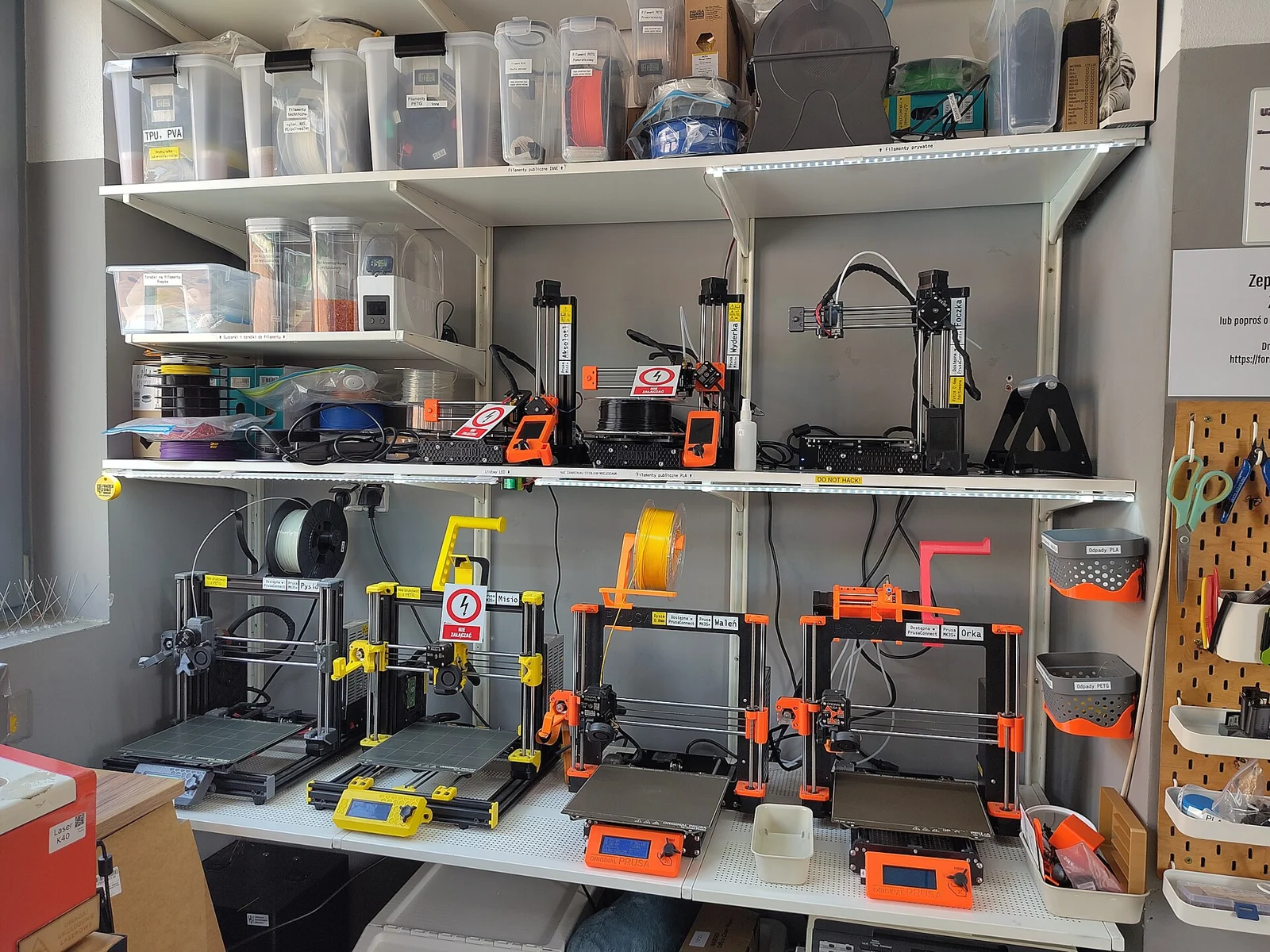
A workshop setup includes storage, access and space around every machine. Majabojarska · CC BY 4.0
Three different starting points.
Manufacturer-documented comparisons, checked 20 November 2026. These are not hands-on tests or rankings. Purchase price, availability and current package contents are checked with the supplier.
As an Amazon Associate, we earn from qualifying purchases through the matching Amazon links below.
Loading product photo…
Bambu Lab A1
256 × 256 × 256 mm Open, moving-bed machine
A reference point for general desktop printing when an open machine suits the material and room.
Allow space for the moving bed and cables, not only the static body. Check the exact material and feeder compatibility, especially for flexible or abrasive filament.
An enclosed comparison point with a different motion system and material workflow from the A1.
An enclosed body does not settle room ventilation. Check nozzle and extruder requirements for abrasive materials, plus access for maintenance and spool feeding.
Bed travel, spool or feeder clearance, cable access
Door access, spool feeding, maintenance, ventilation
Bed travel, assembly, levelling and cable access
Before changing material
Machine profile and feeder restrictions
Hotend, wear resistance and material-specific chamber guidance
Temperature capability, build surface and supported material profile
Production check
Use the actual sliced footprint, including brim/supports, machine exclusions and height. A nominal volume is not a promise that every shape fits or prints successfully.
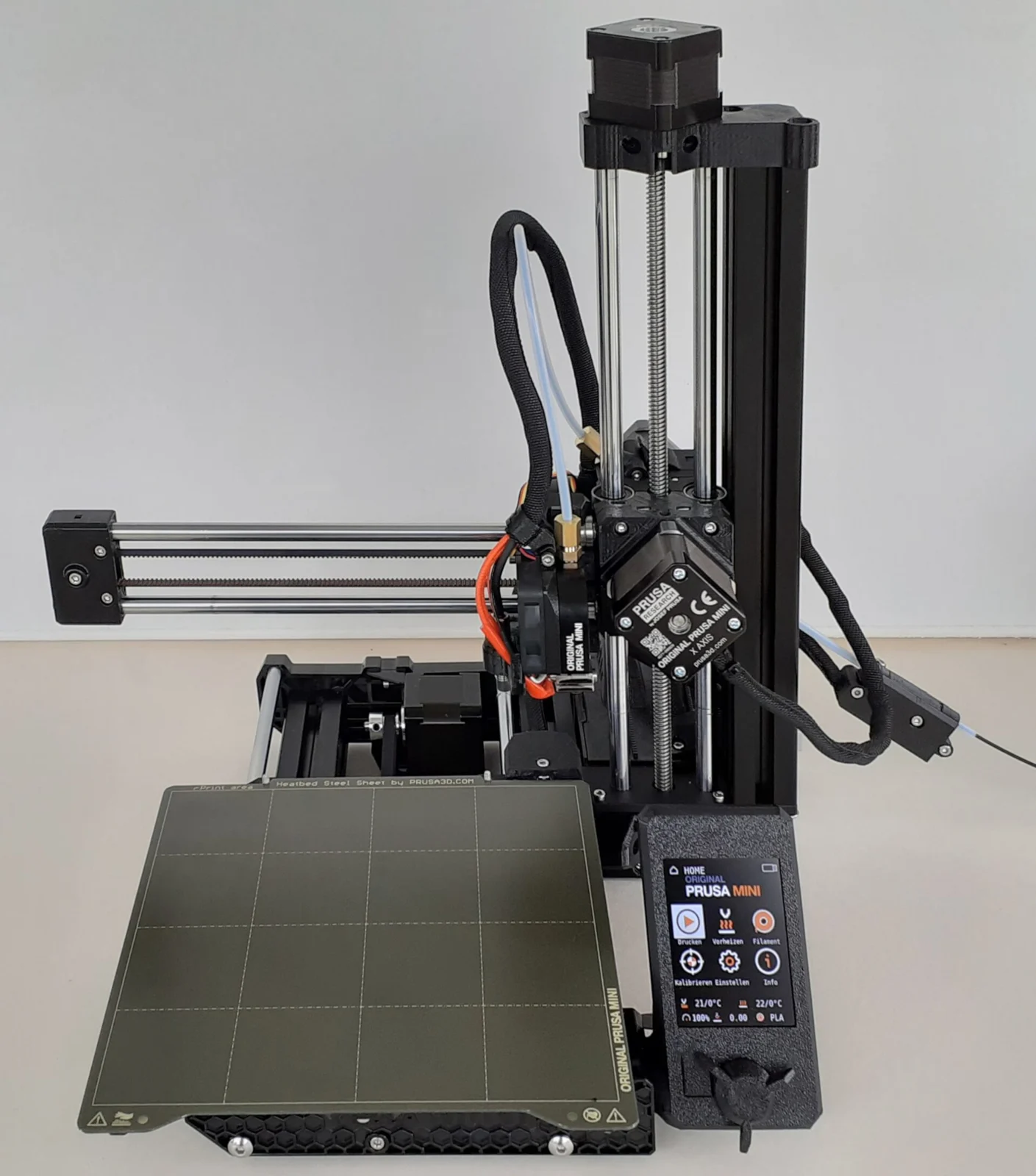
For an enclosed Prusa workflow, read the current CORE One product specification. Check model generation, kit versus assembled configuration, material guidance, spares and the software path you will actually use. Do not transfer MINI+ specifications to a different Prusa model.
UltiMaker S series
The S series is a family rather than one specification. Compare the particular printer, print cores, material diameter and support arrangement. UltiMaker’s compatibility reference is the place to check printer–core–material combinations.
A documented material ecosystem, service path and local supply can matter more to a repeated job than a maximum speed quoted without its print conditions.
Budget for the whole ownership.
Put the machine beside its spares, build surfaces, drying, power, space, maintenance and your handling time. Record what happens once and what repeats every plate. Maximum rated power is not the same as measured average print power.
For a real job, use the correct profile and slice the same model on each candidate workflow. Compare grams, print time, support removal, surface requirements and inspection. A fast nominal motion speed does not predict the duration of that complete job.